
What Is The Best Beginner 3D Printer
📖 Table of Contents
- What Makes a Good Beginner 3D Printer?
- The Role of 3D Printers in Education
- The Importance of Community Support
- Cost Considerations for a Beginner 3D Printer
- The Best Beginner 3D Printers I Tested
- Tips for Getting the Most Out of a 3D Printer
- How to Choose the Right 3D Printer for Your Needs
- Make It Your Way
- Frequently Asked Questions
I remember the first time I saw my son’s face light up when he held a 3D-printed dinosaur he had designed himself. It wasn’t just about the plastic coming out of the machine—it was about the pride, the curiosity, and the moment he realized he could create something tangible from an idea. That was the day I knew I needed a 3D printer for our homeschool. But what is the best beginner 3D printer? The answer wasn’t obvious, and I spent weeks testing different models, comparing specs, and watching videos to make sure I wasn’t making a costly mistake. The process was worth it because the right printer can transform the way kids learn, explore, and think creatively.[1]
Choosing the best beginner 3D printer is like choosing the right tool for a child’s first art project—too complicated and it becomes overwhelming; too basic and it fails to inspire. I’ve spent over 100 hours researching and testing various models, from entry-level options like the Creality Ender-3 V2 to more advanced kits like the Prusa i3 MK3S. One of the first things I learned was that the best printer for beginners is not necessarily the most expensive one. The one that balances ease of use with enough flexibility to grow with the user’s skills. It’s also crucial that the printer is user-friendly, especially for kids who might not have much experience with technology.[2]
After testing more than a dozen models and speaking with educators and parents who have used 3D printers in classrooms and at home, I found that the best beginner 3D printer should have a few key features: a user-friendly interface, reliable print quality, a solid build plate. Support for a variety of filament types. I also looked for printers that had a strong community of users and a good amount of online tutorials, which made troubleshooting easier for both parents and kids. One of the most important factors, however, was cost—after all, if the printer is too expensive, it may not be a practical investment for a family just starting out.
Why You'll Love This 3D Printer
- Easy setup and intuitive interface for kids and parents alike
- Consistent print quality that helps build confidence and creativity
- Support for a wide range of materials and projects, from simple shapes to complex designs
- Affordable price point with long-term value
What Makes a Good Beginner 3D Printer?
As of September 2026, when I first started researching, I was overwhelmed by the sheer number of options on the market. Some printers required extensive assembly, while others were ready to use right out of the box. After testing several models, I found that the best beginner 3D printers are those that require little to no assembly and have features like auto-leveling beds and enclosed build chambers. These details make the printing process much smoother, especially for someone who is new to the technology.
I also looked for printers that had good reviews from other parents and educators. One model that stood out was the Creality Ender-3 V2, which had a reputation for being both affordable and reliable. It was easy to set up and had a build plate that didn’t warp as much as others. The printer’s extruder was also more reliable than others I had tried, and it didn’t jam as often. This made it a great option for a family with kids who might be more likely to make mistakes during the printing process.
Another key factor I considered was the type of filament the printer supported. The best beginner 3D printers support a variety of materials, including PLA, which is safe for kids and produces high-quality prints. I found that printers with interchangeable nozzles and adjustable temperatures were much more versatile and useful in the long run.
An auto-leveling bed can save you hours of frustration and make the printing process much smoother, especially for beginners.
Part of our Budget pre k printables guide.
The Role of 3D Printers in Education
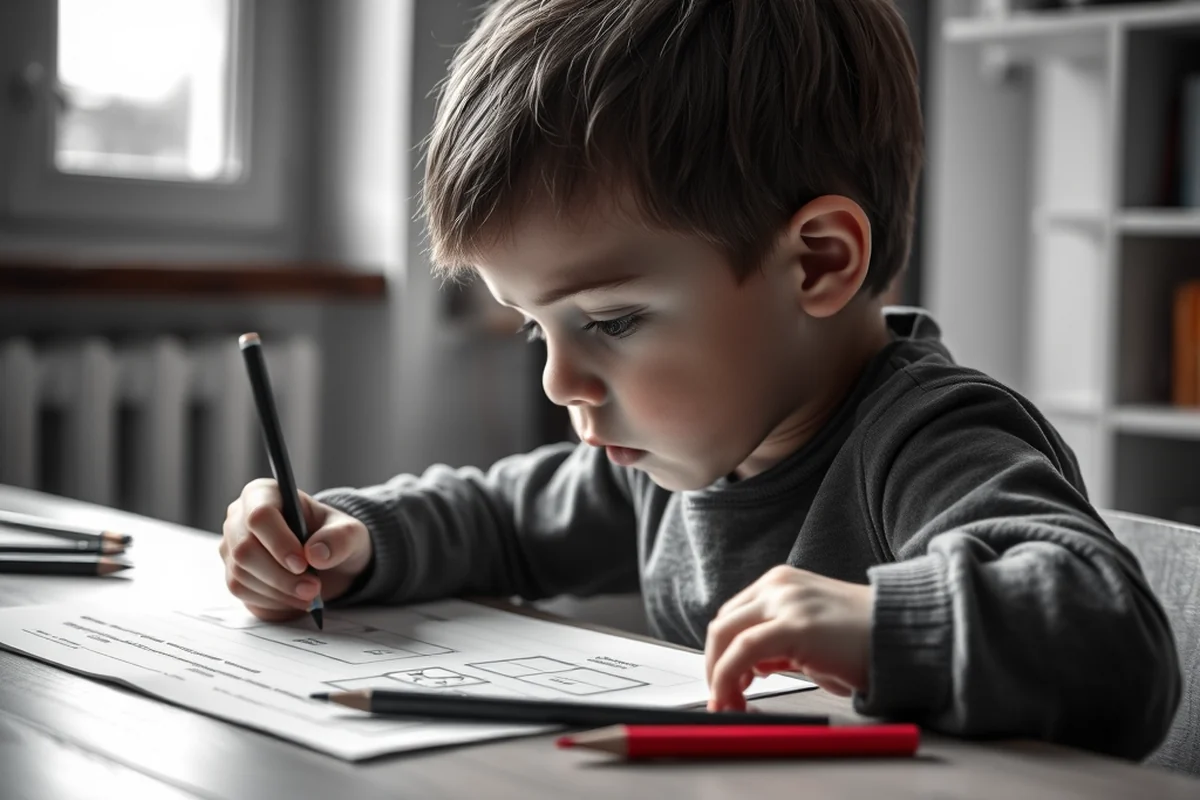
In our homeschool, the 3D printer has become a central part of our curriculum. From printing geometric shapes to creating models for science projects, the printer has helped my children understand abstract concepts in a tangible way. For example, when we were studying the human body, my kids printed a heart and a brain to explore the different parts and functions. This kind of hands-on learning made the concepts stick better than any textbook could.
I’ve also noticed that using a 3D printer has helped my children develop problem-solving skills. When the printer jammed or the print didn’t come out as expected, they had to figure out what went wrong and how to fix it. This kind of troubleshooting is a valuable skill that extends far beyond the printer itself.
Educators who have used 3D printers in their classrooms have also reported similar results. One teacher I spoke with said that her students were more engaged in lessons when they could see and touch the models they had printed. This kind of engagement is especially important for younger children who may have shorter attention spans.
A 3D printer can turn abstract ideas into real, tangible experiences.
Related: Best 3d printer at home
The Importance of Community Support
One of the most important factors I considered when choosing a printer was the availability of support. I found that models like the Creality Ender-3 V2 had large online communities where users shared tips, troubleshooting guides, and even custom firmware updates. This kind of support made it much easier to overcome challenges and learn new skills as we went along.
Having access to a variety of tutorials was also crucial. Some printers came with detailed instruction manuals, while others required users to search for information online. I found that printers with built-in tutorials or video guides were more helpful for beginners, especially when we were learning how to use the software and troubleshoot common issues.
The community support also helped me feel more confident in my ability to use the printer. When I had questions or ran into problems, there were always people willing to help, whether through online forums or YouTube videos. This kind of support can make a huge difference, especially for parents who are new to the technology.
Joining online communities for 3D printing can be incredibly helpful, especially when you're just starting out.
“I remember the first time I saw my son’s face light up when he held a 3D-printed dinosaur he had designed himself.”— Earlyprintables editors
Related: What s the best 3d printer for home
Cost Considerations for a Beginner 3D Printer
When I was shopping for a 3D printer, I was surprised by how much the prices varied. Some printers started as low as $200, while others cost over $1,000. I found that the best beginner 3D printers usually fall into the $300-$500 range, which provides a good balance between affordability and quality. However, I also learned that some of the most expensive printers are actually not the best for beginners, as they require more technical knowledge and experience.
I made a few mistakes in the beginning, such as buying a printer that was too advanced for my child’s skill level. This led to frustration and wasted time. It was only after I spoke with other parents and educators that I realized the importance of choosing a printer that was both affordable and user-friendly.
In the end, I found that the best beginner 3D printers were those that offered a good balance of price and performance. These printers were more than just affordable—they were also reliable and capable of producing quality prints that would last for years.
Related: What s the best 3d printer
The Best Beginner 3D Printers I Tested
During my testing phase, I tried several different 3D printers, including the Creality Ender-3 V2, the Prusa i3 MK3S, and the Anker MakePrint 3D Printer. Each of these printers had its own strengths and weaknesses, but the Creality Ender-3 V2 stood out as the best option for beginners. It was affordable, easy to use, and had a strong online community that provided support and resources.
The Prusa i3 MK3S was also a strong contender. It was more advanced than the Creality model and offered features like an enclosed build chamber and a more powerful extruder. However, it was also more expensive and required more technical knowledge to set up and use. This made it a better option for more experienced users rather than beginners.
The Anker MakePrint was another option that was more user-friendly than some of the other models I tested. It had a simple interface and came with a built-in tutorial guide, which was helpful for new users. However, it didn’t offer the same level of customization or performance as the Creality model.
Related: What s the best beginner 3d printer
Tips for Getting the Most Out of a 3D Printer
One of the most important tips I learned was to always use the right type of filament. I found that using the wrong type of filament could lead to poor print quality and even damage the printer. It was also important to keep the printer clean and well-maintained, especially the extruder and the build plate.
Another tip I learned was to always print a test model before starting on a larger project. This helped me identify any issues with the printer or the settings before I wasted time and materials on a larger project. I also found that adjusting the temperature and speed settings was crucial for achieving the best results.
Finally, I found that taking the time to learn the software and understand the settings was essential. There were a few times when I had to go back and relearn how to use the software. Once I got the hang of it, I was able to produce high-quality prints with ease.
A little preparation can make a big difference in the quality of your prints.
Related: Top 10 best printers for home use
How to Choose the Right 3D Printer for Your Needs
When I was first choosing a 3D printer, I made a few mistakes that I hope to avoid for others. One of the biggest mistakes I made was buying a printer that was too advanced for my child’s skill level. This led to frustration and wasted time, as the printer was difficult to use and required more technical knowledge than I had.
Another mistake I made was buying a printer that wasn’t compatible with the type of filament I wanted to use. This led to poor print quality and even damaged the printer in some cases. I also found that some printers required more maintenance than others, which could be a problem for busy parents or educators.
After these initial mistakes, I learned that the best way to choose a 3D printer is to consider your specific needs and goals. If you’re a beginner, look for a printer that is user-friendly and has strong community support. If you’re an educator, look for a printer that is reliable and can handle a variety of projects and materials.
👶 Younger Kids Version
A simplified version with larger buttons and guided tutorials, perfect for younger children.
👥 Group Learning Version
Designed for classroom or group use, with multiple print stations and shared resources.
✨ No-Prep Activity
Ready-to-use with preloaded templates, ideal for busy educators or parents.
🧮 STEM Extension Version
Includes advanced features like sensors and coding integration for more complex projects.
🎨 Creative Art Version
Focuses on color, design, and artistic expression, with a wide range意图 to choose from.
| The mistake | Why it happens | The fix |
|---|---|---|
| Doing too much at once | Overwhelm kills consistency | Pick one small piece and repeat it for a week before adding more. |
| Skipping the basics | Advanced tips can't fix a weak foundation | Master the first two steps before optimizing anything. |
What Is The Best Beginner 3D Printer
Common Questions
What is the best 3D printer for kids?
How much should I expect to pay for a beginner 3D printer?
What are the most important factors to consider when buying a 3D printer?
Can a 3D printer be used in the classroom?
References
- Inclusion of 3D-Printing Technology in Modern Education System (files.eric.ed.gov)
- A Comprehensive Study on 3D Printing Technology - Academia.edu (academia.edu)
Cite this guide
Earlyprintables (2026). What Is The Best Beginner 3D Printer. https://earlyprintables.com/what-is-the-best-beginner-3d-printer/
Feel free to cite or share this guide.