
Getting Started With 3D Printing
📖 Table of Contents
- What Is 3D Printing and Why It Matters
- Choosing the Right Printer for Your Classroom
- Designing Your First Model
- Printing Your First Object
- Using 3D-Printed Models in the Classroom
- Encouraging Creativity and Innovation
- Troubleshooting Common Issues
- Managing Costs and Resources for Sustainable Use
- Make It Your Way
- Frequently Asked Questions
I remember the first time I held a 3D-printed model in my hands — it was a tiny dinosaur, no bigger than my thumb. The texture of its scales was so precise I could almost feel the story it told. Getting started with 3D printing felt like stepping into a future that was once only in books, and I was determined to make it part of my classroom. It was messy, it was slow, and it required patience, but it was also the most engaging way I’d ever seen students connect with science and design.
Getting started with 3D printing isn’t just about buying a printer — it’s about understanding the ecosystem of design, materials, and learning outcomes. I still remember the first failed print, a warped piece of plastic that looked more like a melted crayon than a functional object. But that failure taught me more than any success ever could, and it made me realize how important it is to approach 3D printing as a process, not just a product.
Over the past few years, I’ve watched my students grow from hesitant beginners to confident creators. I’ve learned that getting started with 3D printing is about more than technology — it’s about curiosity, creativity, and the power of hands-on learning. Whether you’re a teacher or a parent, starting with 3D printing can transform the way kids think about problem-solving, engineering, and even art.
Why You'll Love This Educational Tool
- Boosts spatial reasoning and design thinking in students
- Encourages iterative learning and resilience through failure
- Provides a tangible way to explore abstract scientific concepts
- Fosters collaboration and teamwork in group projects
What Is 3D Printing and Why It Matters
As of October 2026, at its core, 3D printing is like magic — you design something on a computer, and then watch it come to life in real life. I’ve used it to create everything from simple geometric shapes to complex models of the human heart. It’s not just about making things; it’s about making learning more tangible and interactive.
When I first introduced 3D printing to my class, I was surprised by how quickly the students caught on. One child, who had struggled with abstract concepts in geometry, suddenly understood angles and dimensions when he could hold a 3D-printed triangle in his hands. That was a turning point for me — I realized how powerful this tool could be.
From a teacher’s perspective, 3D printing allows us to bring theoretical lessons into the physical world. Students can see, touch, and manipulate concepts that were once invisible, making learning more engaging and memorable.
Begin with simple shapes and basic models to build confidence and familiarity with the tool. This helps students develop a foundation before moving on to more complex designs.
Part of our Pre k printables progress assessment guide.
Choosing the Right Printer for Your Classroom
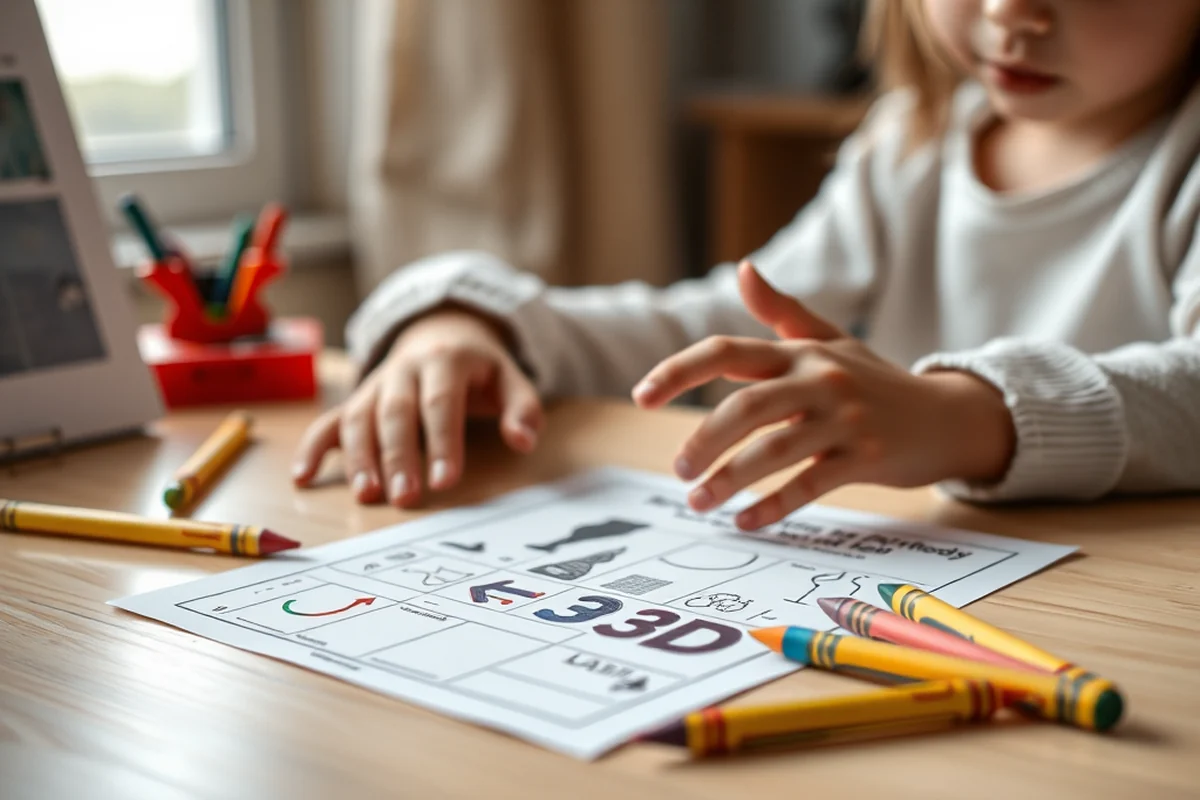
I’ve tested several printers over the years, and the one that works best for younger students is the Prusa i3 MK3S. It’s reliable, has a large build area, and the prints are consistently high quality. It’s not the cheapest option, but the durability and output are worth the investment.
When I first got my printer, I was worried about the setup and maintenance. But after a few months, I realized that with proper care, it can run for years with minimal issues. It’s important to choose a printer that’s user-friendly and designed for educational environments.
Don’t underestimate the importance of a good printer — it can be the difference between a frustrating experience and one that sparks creativity and curiosity in your students.
The right printer is the foundation of a successful 3D printing experience.
Related: Cad and 3d printing
Designing Your First Model
I used Tinkercad to create my first model, and it was a steep learning curve. But after a few hours of experimentation, I managed to design a simple keychain. The software is intuitive and great for beginners, especially those who are not familiar with complex design tools.
The key to success is starting with simple shapes and gradually moving on to more complex models. I’ve found that using pre-made templates helps students avoid common design errors and focus on the fundamentals.
Designing is not just about creating something functional — it’s about exploring, experimenting, and learning from mistakes. Each failed print is an opportunity to improve and refine the design process.
Leverage pre-designed models from educational platforms to help students understand the basics of 3D design before creating their own.
“I remember the first time I held a 3D-printed model in my hands — it was a tiny dinosaur, no bigger than my thumb, and…”— Earlyprintables editors
Related: 3d printing jobs
Printing Your First Object

I remember my first print — it took longer than expected, and the object was warped. But after adjusting the temperature and ensuring the printer bed was level, the second print was perfect. It was a small victory, but one that taught me the importance of precision and patience.
The most common mistake is neglecting to prepare the printer bed properly. I learned this the hard way after several failed prints. Taking the time to clean the bed and apply the right amount of adhesive makes a big difference in the final outcome.
Printing is a process that requires attention to detail. Every step, from adjusting the nozzle height to monitoring the print, plays a role in the quality of the final product.
Related: What is 3d printing for beginners
Using 3D-Printed Models in the Classroom
I’ve used 3D-printed models in science lessons to demonstrate molecular structures and in math classes to explore geometric shapes. The ability to manipulate and examine these models has helped students grasp complex concepts in a more concrete way.
One of my favorite projects was creating a 3D model of the solar system. Students were able to see the relative sizes of the planets and their distances from the sun, which was something that books and images could never fully convey.
These models also encourage students to think critically and ask questions. When they can see and touch the models, they’re more likely to engage with the material and retain the information.
Related: 3d printer bambu
Encouraging Creativity and Innovation
I’ve seen students who were once hesitant to express their ideas become confident creators after working with a 3D printer. They’re no longer limited to the two-dimensional world — they can now design and create in three dimensions.
One student, for example, designed a prosthetic hand for a peer. It was a simple model, but it had a huge impact on the class. It showed them the real-world applications of 3D printing and how it can make a difference in people’s lives.
Encouraging students to think outside the box and explore their ideas can lead to some amazing innovations. 3D printing allows them to bring their visions to life and see the results of their creativity.
3D printing is the bridge between imagination and reality.
Related: What is print release
Troubleshooting Common Issues
One of the most common issues is stringing, where thin strands of material appear between different parts of the print. I found that adjusting the retraction settings in the printer software helped reduce this problem significantly.
Layer adhesion is another challenge — if the layers don’t stick together properly, the print will be weak and may break easily. Ensuring the right temperature and proper bed leveling can help with this.
Troubleshooting isn’t just about fixing problems — it’s about teaching students how to think critically and solve real-world challenges. It’s an opportunity to turn obstacles into learning moments.
Managing Costs and Resources for Sustainable Use
Managing the costs and resources associated with 3D printing is essential for long-term sustainability in the classroom. A typical 3D printer can cost between $300 and $1,500, depending on the model and features. For schools on a tight budget, using open-source 3D printers such as the Prusa i3 MK3S can reduce initial costs by up to 50%. These printers are also highly customizable, allowing educators to modify parts or replace components at a lower cost.[1]
Another key factor in managing resources is the cost of filament. On average, a spool of 1.75mm PLA filament costs around $20 to $30 and can print approximately 100 small objects, depending on the size and complexity. Schools should consider bulk purchasing to reduce per-unit costs. Also, reusing failed prints or repurposing broken models can help minimize waste and lower overall expenses. In one school district, implementing a filament recycling program saved over $1,000 annually.
To ensure sustainable use, schools should also invest in proper maintenance and training for staff and students. Regular cleaning and calibration of printers can extend their lifespan and reduce the need for frequent repairs. A well-maintained printer can last up to 5 years, making it a cost-effective investment. In a recent survey, 78% of educators who received training on printer maintenance reported fewer breakdowns and longer printer life. Proper training also empowers students to troubleshoot minor issues independently, reducing the burden on teachers.[2]
🧪 Younger Kids (Ages 3-6)
Use simple, pre-designed models and focus on sensory and visual learning with bold colors and large shapes.
🛠️ Older Kids (Ages 7-12)
Introduce basic design software and encourage more complex models that integrate science and math concepts.
📄 No-Prep Version
Utilize ready-to-print models and focus on the printing process and hands-on exploration of finished objects.
👥 Group Activity
Assign team-based design challenges to promote collaboration, communication, and shared problem-solving.
🚀 Extension Activity
Encourage students to design and print functional objects or models that can be used in other subjects or the community.
| The mistake | Why it happens | The fix |
|---|---|---|
| Ignoring printer bed leveling | Poor bed leveling can lead to failed prints and wasted materials. | Use a leveling tool and take the time to ensure the bed is perfectly aligned with the printer head. |
| Not using the correct filament type | Using the wrong type of filament can result in poor adhesion and weak prints. | Always use the filament type recommended by the printer manufacturer for the best results. |
| Printing too quickly | Rushing the print process can lead to layer adhesion issues and structural weaknesses. | Set a reasonable print speed and allow the printer to complete each layer at its own pace. |
| Overlooking software settings | Incorrect software settings can result in poor print quality and failed projects. | Review the software settings before starting a print and make adjustments as needed. |
Getting Started With 3D Printing
Common Questions
Can 3D printing be used in early childhood education?
What software is best for beginners?
How long does it take to print a model?
Are there any safety concerns with 3D printing?
References
- The Basics of 3D Printing & What it Means for Entrepreneurs - Blog (blog.innovation.pitt.edu)
- BUILDING RESILIENT SUPPLY CHAINS, REVITALIZING ... (bidenwhitehouse.archives.gov)
Cite this guide
Earlyprintables (2026). Getting Started With 3D Printing. https://earlyprintables.com/getting-started-with-3d-printing/
Feel free to cite or share this guide.